Add private RSS feeds to Metacast with a single tap
Podcast hosts can now deep-link to private RSS feeds for a seamless experience for Metacast users.


Table of Contents
If you're a podcast hosting company or a podcaster, you can now integrate with Metacast for a single-tap experience to follow private feeds on Metacast.
How does it work?
All you need to do is to generate an "Add to Metacast" link in a special format (see below).
When the listener taps this link on a mobile device (iOS or Android), it'll automatically open in Metacast where the user can follow the podcast with a single tap.
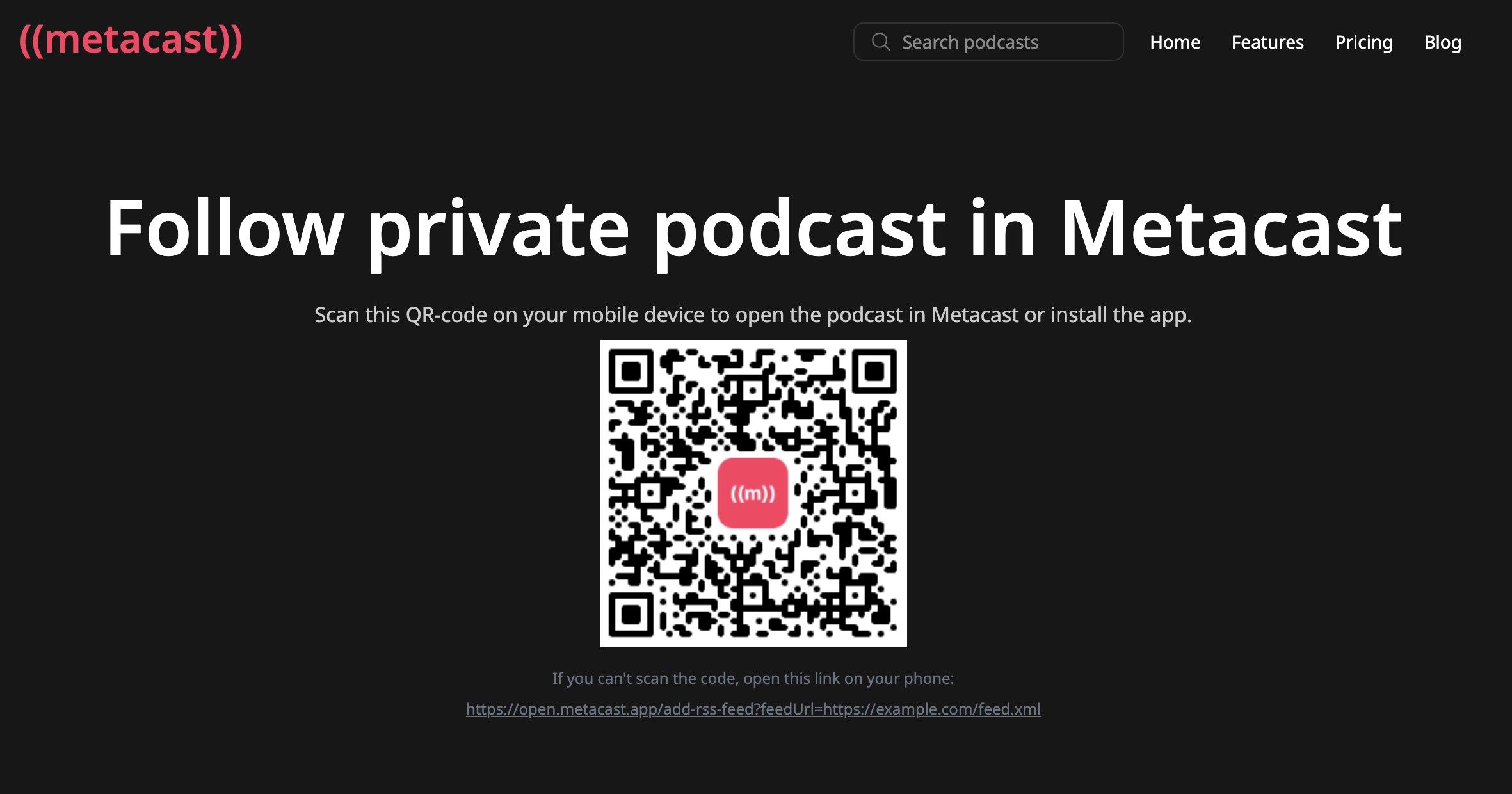
If they open the link on a desktop, they'll be shown a QR code that they can scan from their phone to follow the feed.
Detailed instructions
-
Create URLs in the following format:
https://open.metacast.app/add-rss-feed?feedUrl=PODCAST_URLFor example:
https://open.metacast.app/add-rss-feed?feedUrl=https://feeds.transistor.fm/metacast-behind-the-scenes -
The
PODCAST_URLcan be URL-encoded or not – it's up to you. -
Add a link to the page where your customers subscribe to private feeds. Feel free to use any images from our brand page.
If you have any questions or need help, feel free to reach out to us at support@metacast.app.
