
Corner Geeks 25: The Windows Phone Experience
May 03, 2013•1 hr 5 min



Listen to this episode in Metacast mobile app
Don't just listen to podcasts. Learn from them with transcripts, summaries, and chapters for every episode. Skim, search, and bookmark insights. Learn more
Episode description
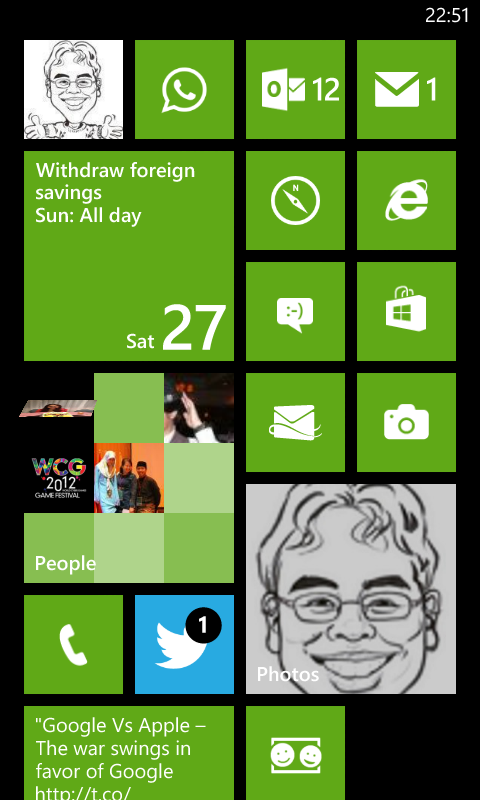
- Lumia 520 for AUD$176
- Specs don’t really matter because it’s a pretty good experience
- 512MB RAM which limits some heavier apps but still a pretty smooth experience. Much better than cheap Android phones
- Good Polish unlike Android back in the day that had a lot of rough edges
- In between iOS and Android but closer to iOS
- Find my phone
- Sky Drive Integration
- Save Photos automatically
- can’t seem to enable only on WiFi so may be hazardous to your 3G data
- doesn’t upload screenshots
- Office Documents synced in the cloud
- Save Photos automatically
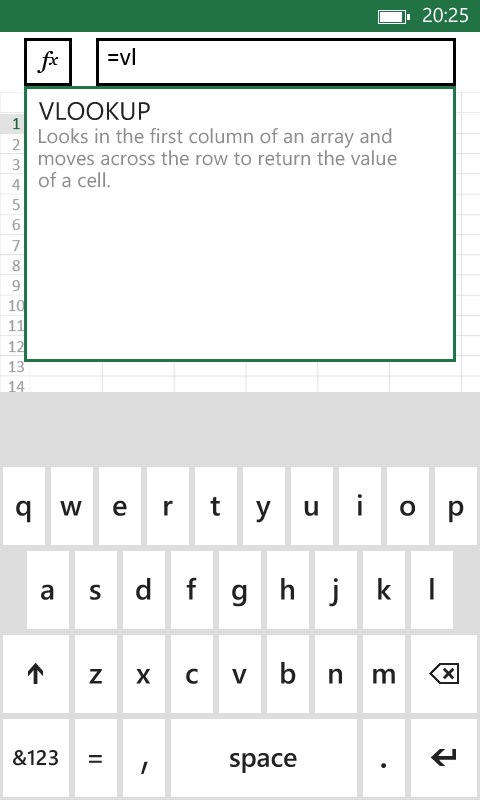
- Office
- Bluetooth transfer data migration
- Consolidated settings (like iOS) but also and in app
- Glove usage! (probably a Lumia feature)
- Good Features
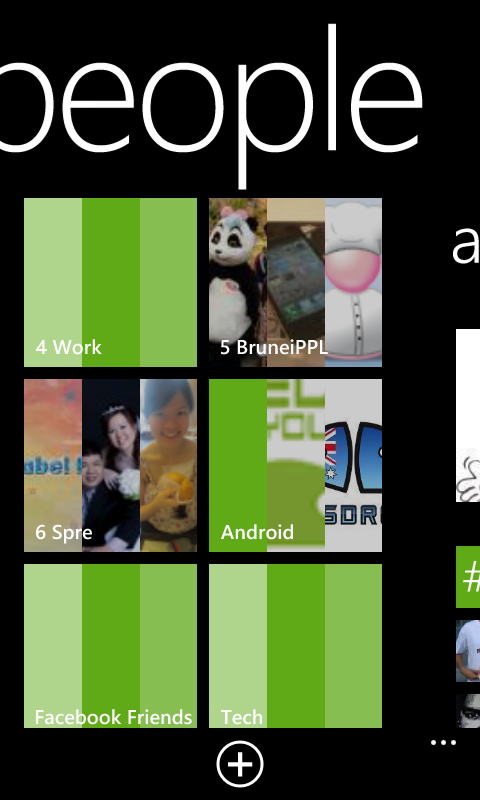
- People Hub
- Bluetooth image sharing!
- Has Android like intents/sharing of data to other apps. E.g. from photo app, can share photo to apps like WhatsApp / Email / any app that supports receiving images
- Gripes
- App selection still small. No official Dropbox app, no instagram
- Search page is not a web page. E.g. Search in browser address bar brings you out of the browser to the search page, and clicking a link in the search page goes back into the browser
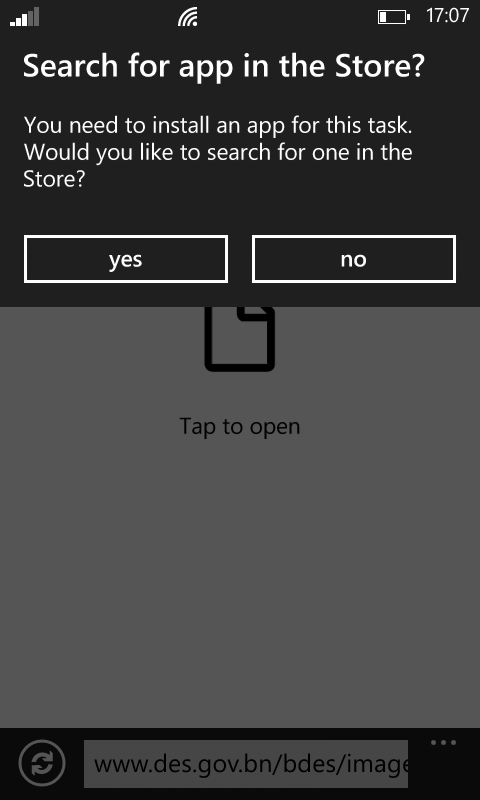
- Sharing Intents inconsistent
- But doesn’t seem to work for all things… Can share photo (.jpg file) from camera to WhatsApp but cannot share screenshot (.png file) to WhatsApp. Can’t share URL to WhatsApp.
- Perhaps more of a non-mature app ecosystem rather than Windows Phone fault. App developers need to program their apps right
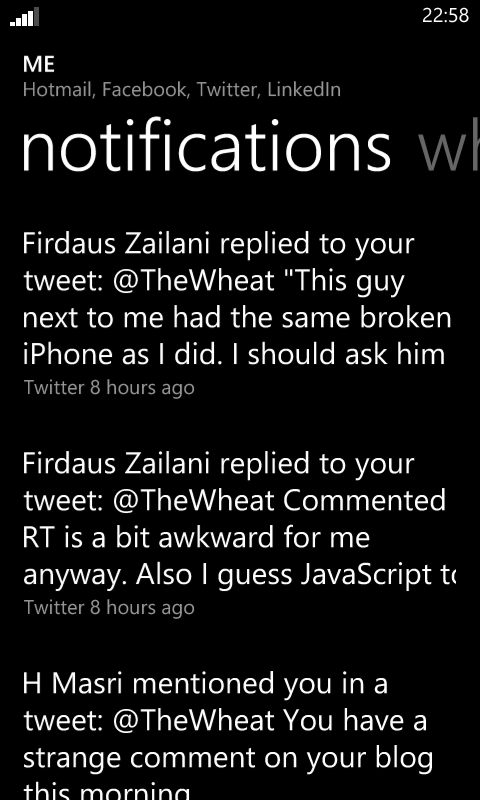
- Notifications could be better
- If app is a Live Tile, then you can see the notification number
- If app is not a Live Tile, there is no easy way to know what app caused the notification (iOS has it best with badges)
- No quick toggles
- Have to go into settings to turn things on and off similar to iOS (e.g. enable/disable data / WiFi)
- Hard to toggle vibrate
- Can’t disable screen rotation. Less sensitive than Android which is good.
- No file explorer or file system like Android
- No auto-sign in like Android for Google sites
- Switching apps shows “Resuming…” quite a bit. More to do with how Windows Phone handles apps. Could be due to limited memory of 512MB and may not occur with higher end devices with more RAM
- No Bluetooth tethering (available in iOS and Android)

Links
For the best experience, listen in Metacast app for iOS or Android