Metacast v1.25: Listening history, Continue Listening playlist, and transcript export
You can now see all of your past episodes, manage your unfinished episodes, and copy the transcript right from the mobile app!
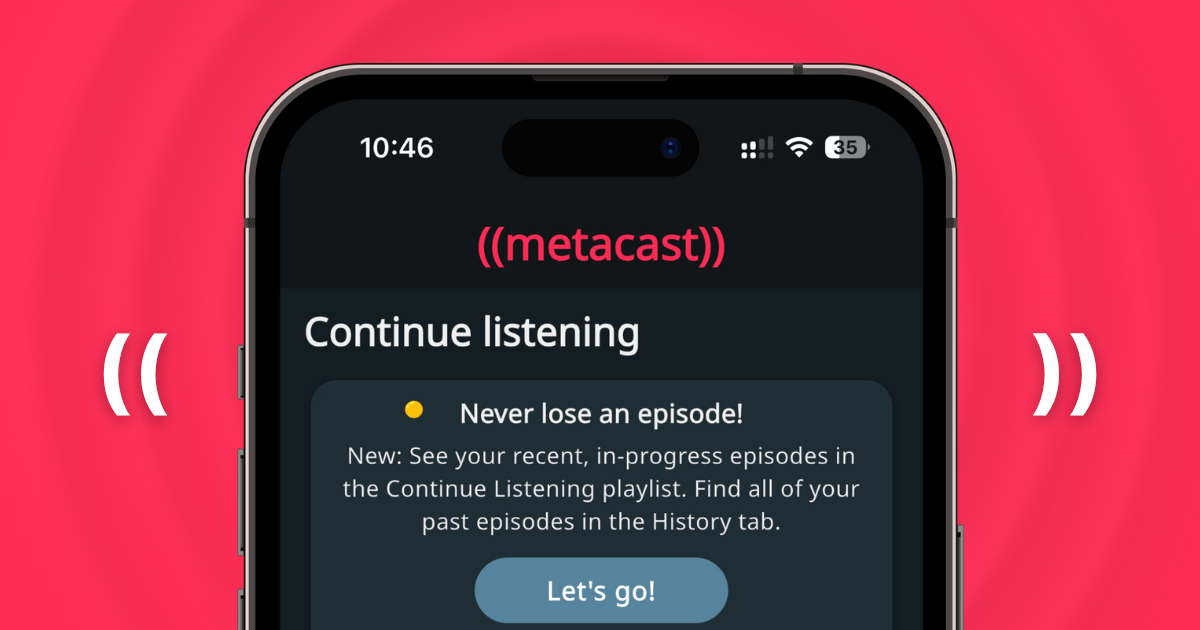

Table of Contents
TL;DR
This is a really big release. We've added three often-requested features in one go!
- Manage your unfinished episodes in the new fully-featured Continue Listening playlist.
- Take a walk down the memory lane with listening history.
- Export transcript to a Markdown file or simply copy it to the clipboard. All your bookmarks included!
Continue Listening playlist
Up until this version, you could see your unfinished episodes on the Home screen. You could tap any of the episode cards to play it, but that was it. Many users have asked us to be able to see the full list and to mark episodes as complete.
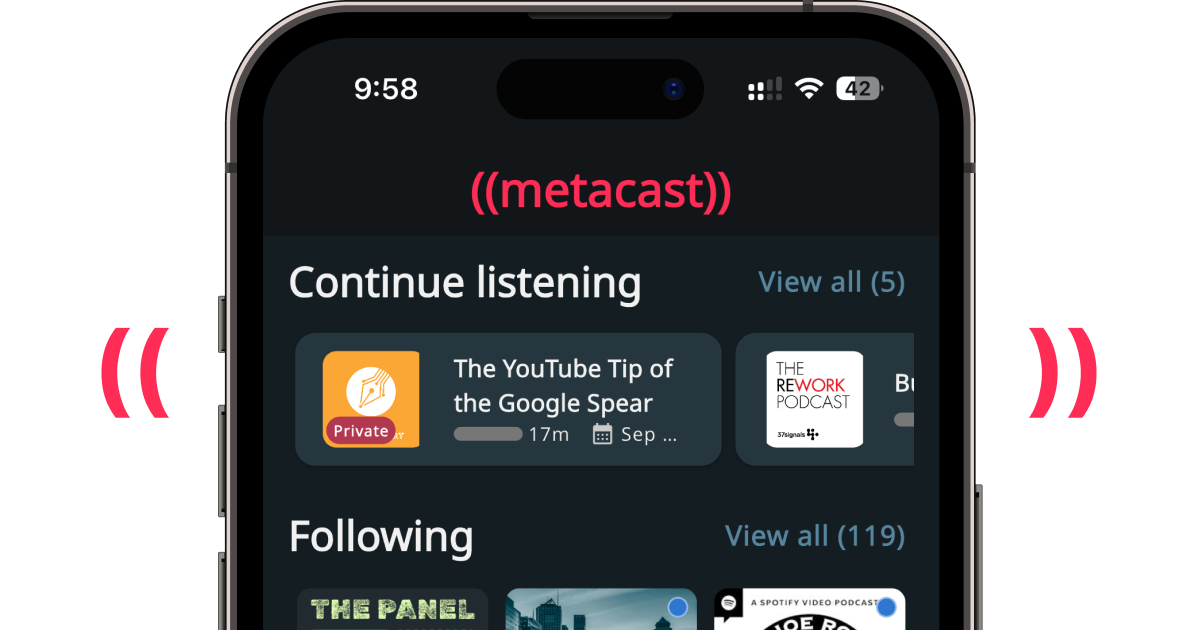
In v1.25, you can see your unfinished episodes in the Continue Listening playlist. Tap "View all" on Home or go to the Playlists tab => Continue Listening.
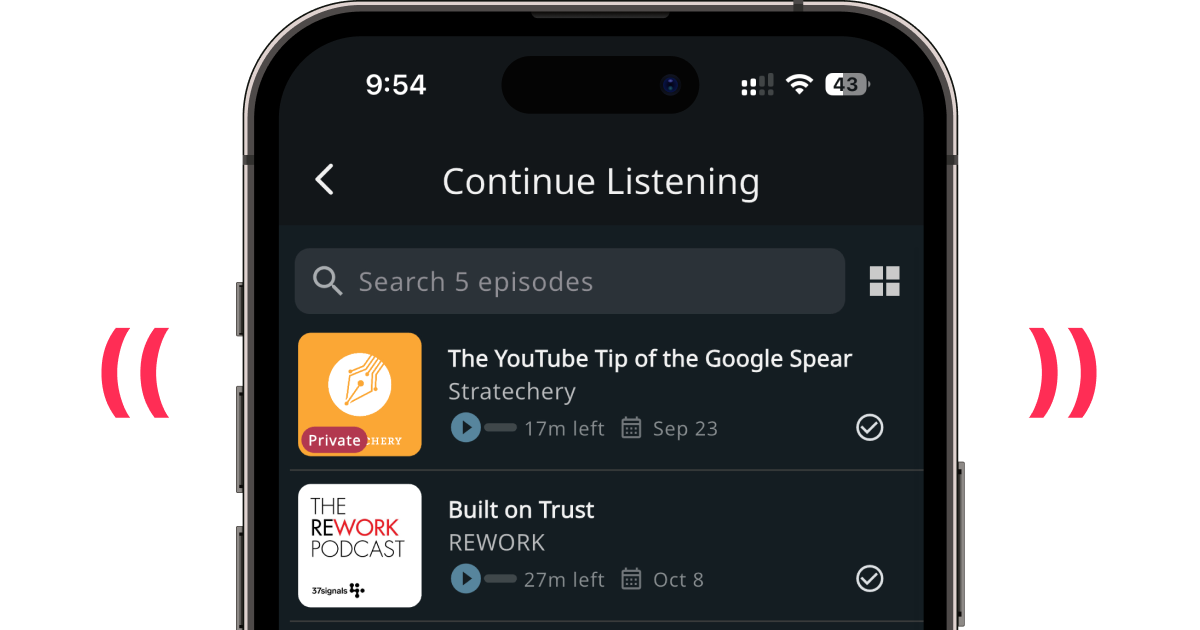
In there, you will see the unfinished episodes that you played in the last 2 weeks. You can search them or group by podcast with the "grid" icon on the right of the search bar.
When you complete an episode, it'll automatically disappear from Continue Listening. If you want to complete an episode manually ("force-complete" it, so to speak), tap the check icon on the right side of the episode card.
Oh, and if you use Metacast on more than one device, you'll be able to continue playing from another device.
Now, what happens with your episodes after 14 days have passed? And what happened to all of the episodes you've accumulated in the "old" continue listening?
They're all history now. Listening History, that is.
Listening History
In most other apps, you've listened to an episode and – poof – it's gone into the ether. Not in Metacast.
We believe in learning with podcasts. Being able to go back and find an old episode to re-listen to it, read the transcript, or look up your bookmarks is crucial to our vision as the best app for extracting knowledge from podcasts.
To access your listening history, tap the new History tab at the bottom tab bar.
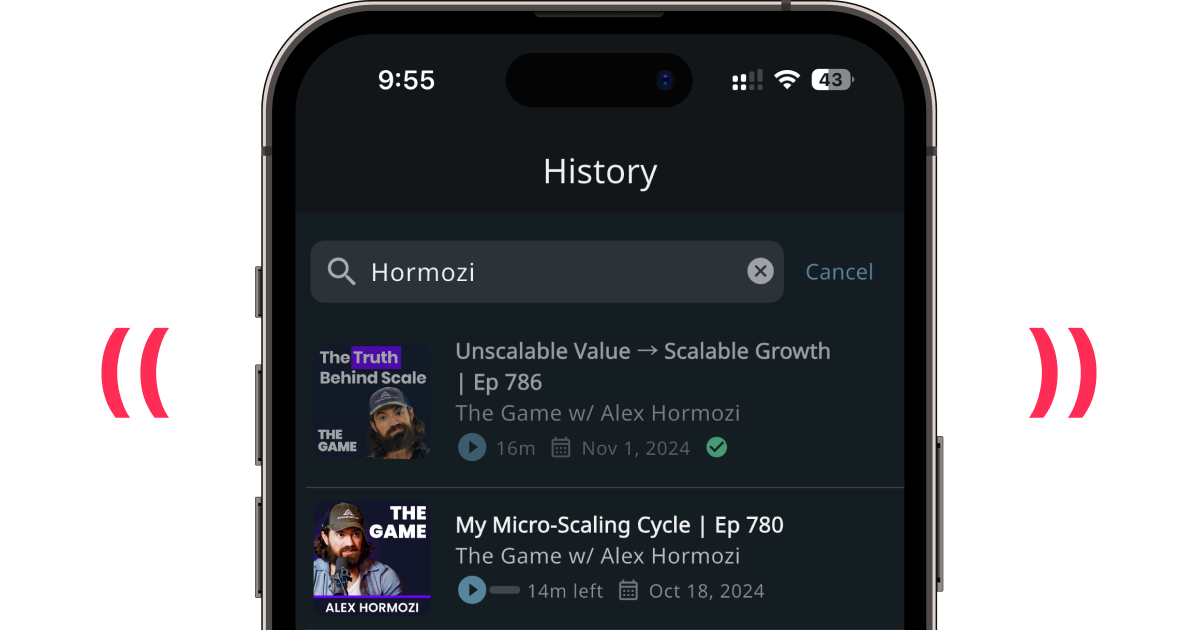
In the History screen, you'll see all episodes you've ever played in Metacast (assuming you've not uninstalled the app, more on that later). Completed episodes are greyed-out and have a green check icon on them. Episodes you've not finished yet are displayed in full color. For your convenience episodes are grouped by month when you last listened to them.
Last but not least, you can search episodes to easily access something important from the distant past.
Note: Metacast Premium users see the entire history whereas free users only see the last 25 episodes.
How do I enable History and Continue Listening?
When you first open v1.25, you'll see this message.
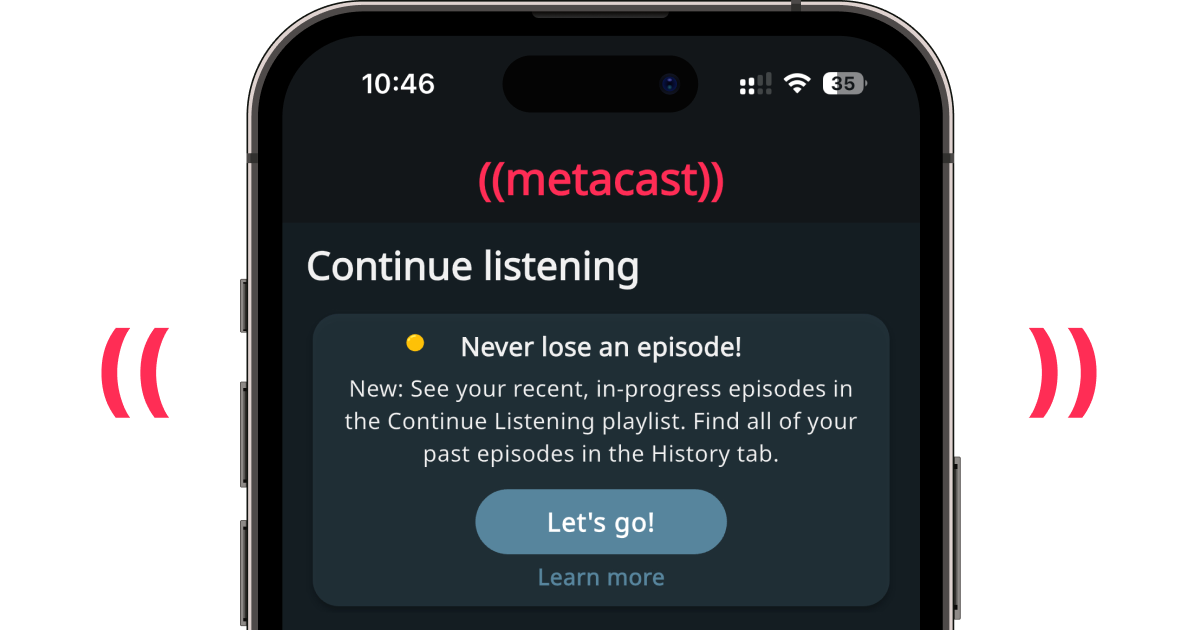
Tap "Let's go!" to enable Continue Listening and Listening History. This will migrate your data from the device to the cloud. Make sure you have an active internet connection.
Now that the history is stored server-side, we strongly encourage you to create an account, so your history and currently playing episodes are safely backed up in case you uninstall the app or change the phone.
Export transcript
We've been receiving so many emails from people who want to copy the transcript, we finally decided it's easier to implement the feature than to respond to all those users (just kidding, but barely...)
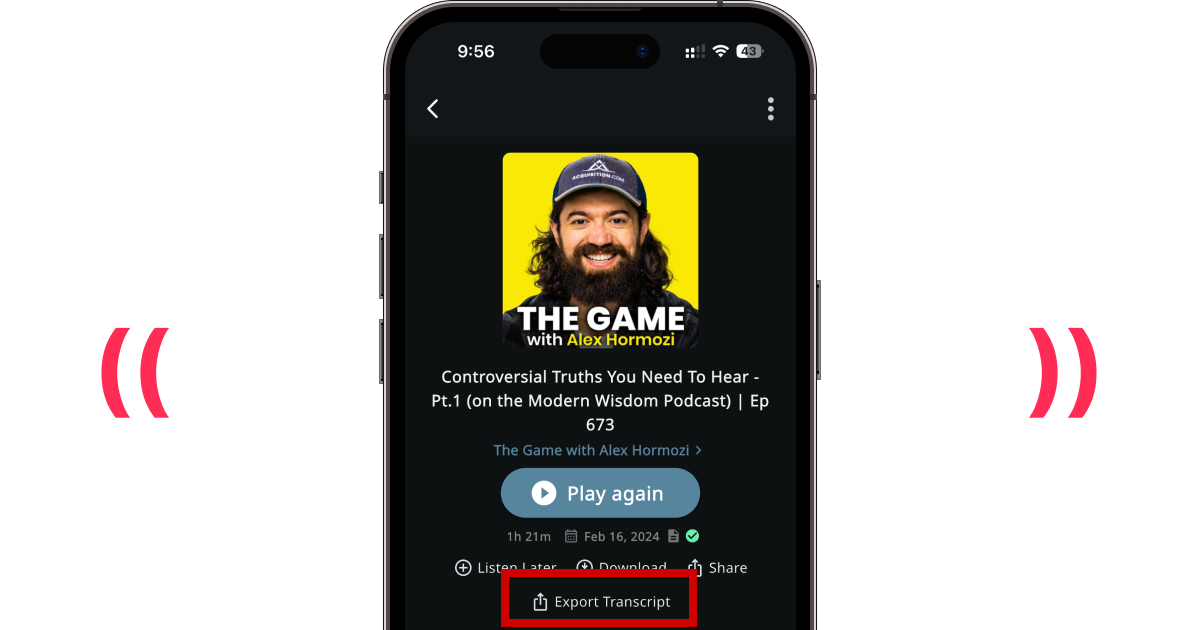
Now in the episode screen, you can tap "Export Transcript" to either save it as a file or to copy it to phone's clipboard. You can paste it to your notes in Notion, Obsidian, Bear or interrogate it with ChatGPT, Claude, or other LLMs.
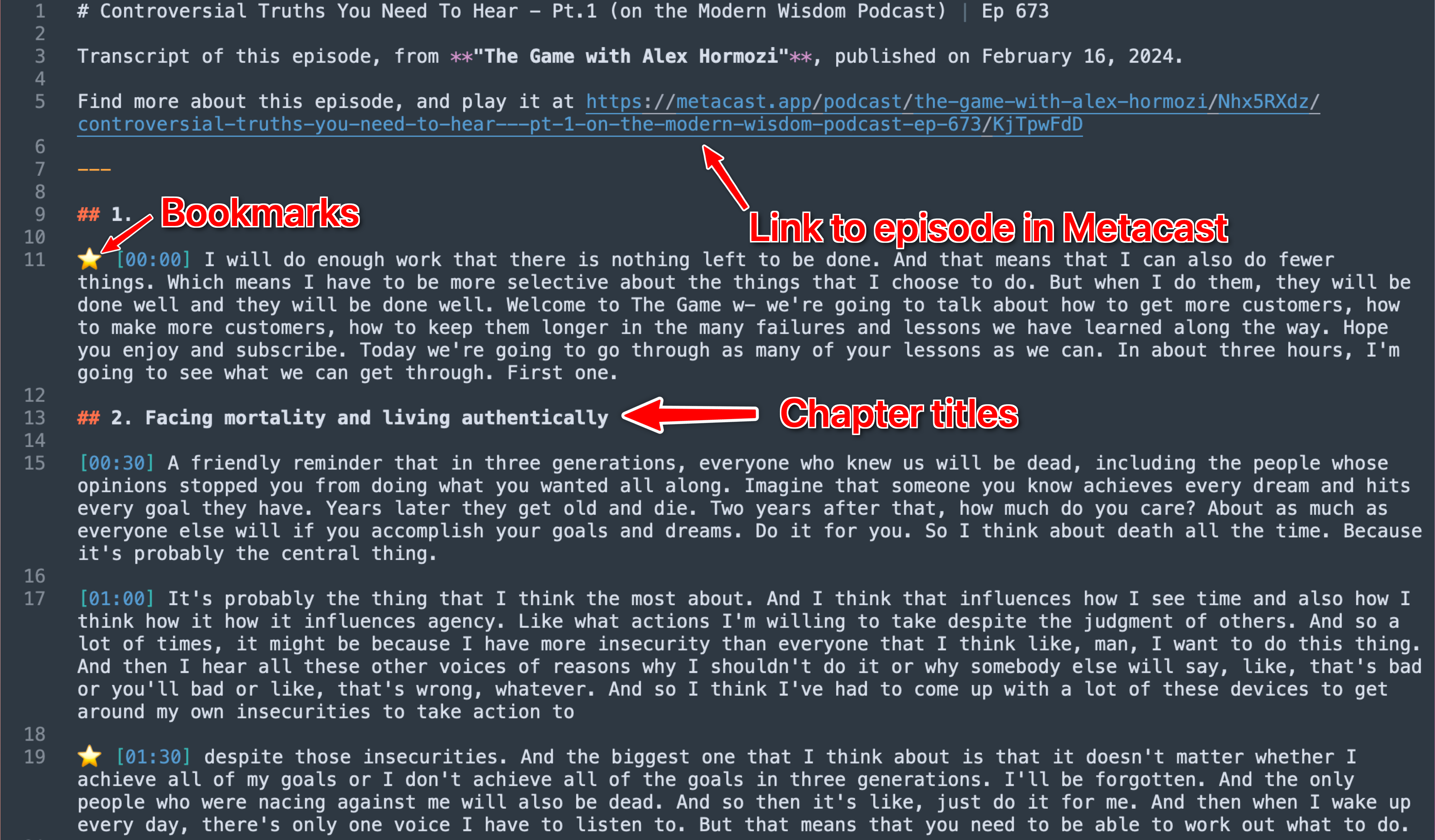
The transcript is exported in the Markdown format. It includes timestamps, chapter headers, speaker names (if available), link to the episode in Metacast, and a marker for whether a segment is bookmarked.
Note: This feature is only available to Metacast Premium subscribers.
Updated swipe actions
We've removed the "Share" swipe action from episode lists and made swipe actions consistent across playlists. Worry not, you can still share an episode from the episode details screen.
Let us know what you think
If you've tried these features and have any feedback to share, please post on our Subreddit r/metacastapp or drop us a note at feedback@metacast.app.
